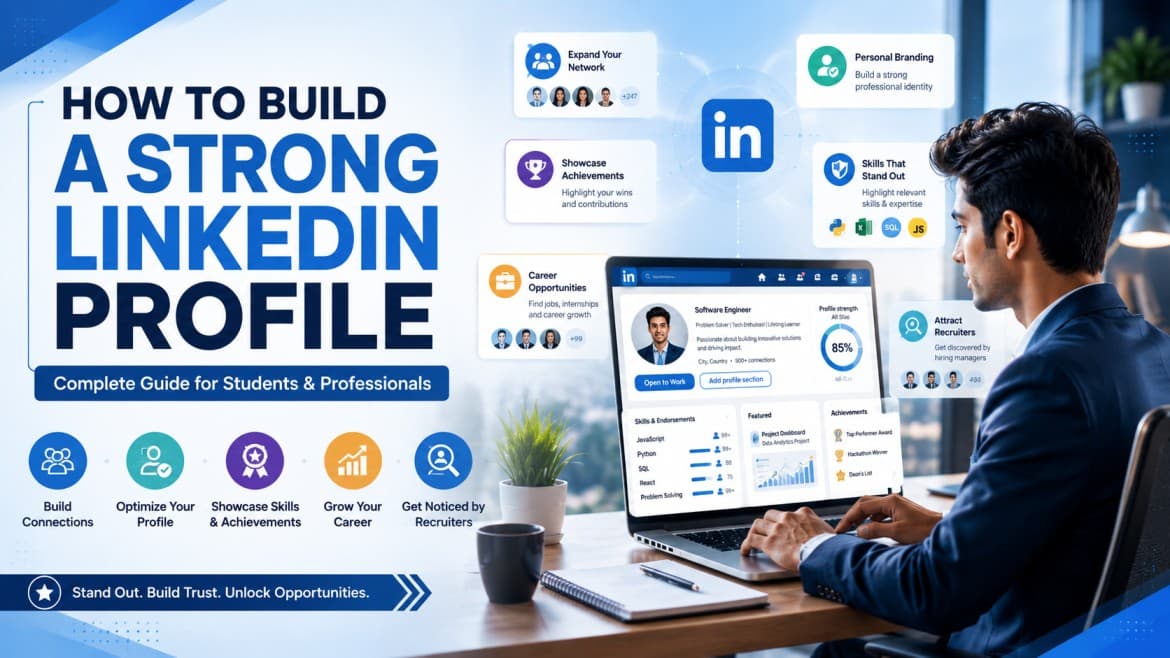
How to Build a Strong LinkedIn Profile: A Complete Guide for Students and Professionals
In today's competitive job market, having a strong LinkedIn profile is no longer optional. Recruiters, hiring managers, and industry professionals use LinkedIn every day to discover talent, verify credentials, and connect with potential candidates.
Whether you are a student looking for internships, a fresher searching for your first job, or a professional seeking career growth, an optimized LinkedIn profile can help you stand out and create new opportunities.
This guide will walk you through the essential steps to build a professional LinkedIn profile that attracts recruiters and helps you grow your career.
Why Linked Is Important for Your Career
LinkedIn is the world's largest professional networking platform, with millions of professionals and recruiters actively using it to connect and hire talent.
A strong LinkedIn profile can help you:
-
Increase your visibility to recruiters
-
Build a professional online presence
-
Expand your network
-
Showcase your skills and achievements
-
Discover internship and job opportunities
-
Learn from industry experts
-
Establish personal credibility
Many employers check LinkedIn profiles before shortlisting candidates. An incomplete or outdated profile can reduce your chances of getting noticed.
Step 1: Choose a Professional Profile Photo
Your profile photo creates the first impression.
Profiles with professional photos tend to receive more views and connection requests than profiles without one.
Best Practices:
-
Use a high-quality image
-
Wear professional or smart-casual attire
-
Use a clean background
-
Maintain a friendly and confident expression
-
Ensure your face is clearly visible
Avoid using selfies, group photos, heavily edited pictures, or casual social media images.
Step 2: Create an Attention-Grabbing Headline
Your LinkedIn headline appears directly below your name and is one of the most visible parts of your profile.
Instead of simply mentioning your job title or college name, use this section to highlight your skills and career goals.
Weak Example:
Student at XYZ University
Strong Example:
Computer Science Student | Aspiring Data Analyst | Python, SQL & Power BI Enthusiast
Professional Example:
Digital Marketing Specialist | SEO Expert | Helping Businesses Grow Through Organic Traffic
Include relevant keywords that recruiters are likely to search for.
Step 3: Write a Strong About Section
The About section gives you an opportunity to tell your professional story.
Instead of listing qualifications, explain who you are, what you do, and where you want to go in your career.
Include:
-
Your educational or professional background
-
Core skills
-
Interests and expertise
-
Career objectives
-
Achievements or certifications
Example:
I am a passionate Computer Science student with a strong interest in data analytics and business intelligence. Through academic projects and professional training, I have developed skills in Python, SQL, Excel, and Power BI. I enjoy solving real-world business problems using data-driven insights and am actively seeking opportunities to apply my analytical skills in a professional environment.
Keep the tone professional, clear, and authentic.
Step 4: Complete Your Education Section
For students and fresh graduates, the Education section is extremely important.
Include:
-
College or university name
-
Degree program
-
Graduation year
-
Academic achievements
-
Relevant coursework
-
Projects
-
Extracurricular activities
A detailed education section helps recruiters understand your academic background and interests.
Step 5: Add Relevant Skills
Skills are one of the most searched elements on LinkedIn.
Choose skills that align with your target industry and career goals.
Popular Skills for Data Analytics
-
Excel
-
SQL
-
Python
-
Power BI
-
Tableau
-
Statistics
Popular Skills for Digital Marketing
-
SEO
-
Google Analytics
-
Social Media Marketing
-
Content Marketing
-
Email Marketing
Popular Skills for Business Professionals
-
Communication
-
Leadership
-
Project Management
-
Team Collaboration
-
Problem Solving
Prioritize quality over quantity and focus on skills that genuinely represent your expertise.
Step 6: Showcase Certifications
Certifications demonstrate your commitment to continuous learning.
Adding certifications can strengthen your profile, especially if you have limited work experience.
Include certifications related to:
-
Data Analytics
-
Digital Marketing
-
Financial Management
-
Artificial Intelligence
-
Business Management
-
Software Development
Professional certifications can increase recruiter confidence in your abilities and help your profile appear in more searches.
Step 7: Highlight Projects and Practical Experience
Projects help employers understand how you apply your knowledge in real-world situations.
You can showcase:
-
Academic projects
-
Internship work
-
Freelance assignments
-
Personal projects
-
Hackathons and competitions
When describing projects, mention:
-
The objective
-
Tools used
-
Challenges faced
-
Results achieved
For example:
"Developed a sales dashboard using Power BI to analyze customer purchasing behavior and improve reporting efficiency."
Practical experience often makes a stronger impression than theoretical knowledge alone.
Step 8: Build a Professional Network
Networking is one of LinkedIn's biggest advantages.
Connect with:
-
Classmates
-
Professors
-
Alumni
-
Industry experts
-
Recruiters
-
Colleagues
When sending connection requests, include a personalized message whenever possible.
Example:
"Hello, I came across your profile while exploring careers in data analytics. I admire your experience in the field and would love to connect and learn from your insights."
Professional networking can open doors to mentorship, internships, and job opportunities.
Step 9: Stay Active on LinkedIn
Creating a profile is only the first step.
Regular activity improves your visibility and demonstrates your interest in professional growth.
Ways to Stay Active:
-
Share industry news
-
Post learning experiences
-
Discuss projects
-
Engage with professional content
-
Comment on industry trends
-
Celebrate milestones and achievements
Consistent engagement helps establish your personal brand.
Step 10: Collect Recommendations and Endorsements
Recommendations act as testimonials for your skills and work ethic.
Request recommendations from:
-
Professors
-
Managers
-
Internship supervisors
-
Mentors
-
Colleagues
A strong recommendation can add credibility and strengthen your professional image.
Common LinkedIn Mistakes to Avoid
Many users create profiles but fail to optimize them effectively.
Avoid these common mistakes:
-
Using an unprofessional profile photo
-
Leaving sections incomplete
-
Writing generic headlines
-
Adding irrelevant skills
-
Ignoring networking opportunities
-
Posting inappropriate content
-
Being inactive for long periods
-
Using poor grammar and spelling
A polished profile reflects professionalism and attention to detail.
LinkedIn Profile Checklist
Before applying for jobs, ensure your profile includes:
✔ Professional profile photo
✔ Customized headline
✔ Complete About section
✔ Updated education details
✔ Relevant skills
✔ Certifications
✔ Projects and achievements
✔ Professional connections
✔ Recommendations
✔ Regular activity and engagement
Final Thoughts
A strong LinkedIn profile is one of the most powerful tools for career growth in today's digital world. It allows you to showcase your skills, connect with industry professionals, and attract opportunities that may not be available through traditional job portals.
Whether you are a student, fresher, or experienced professional, investing time in optimizing your LinkedIn profile can significantly improve your professional visibility and career prospects.
Start implementing these tips today and transform your LinkedIn profile into a powerful personal branding and networking tool.