Introduction
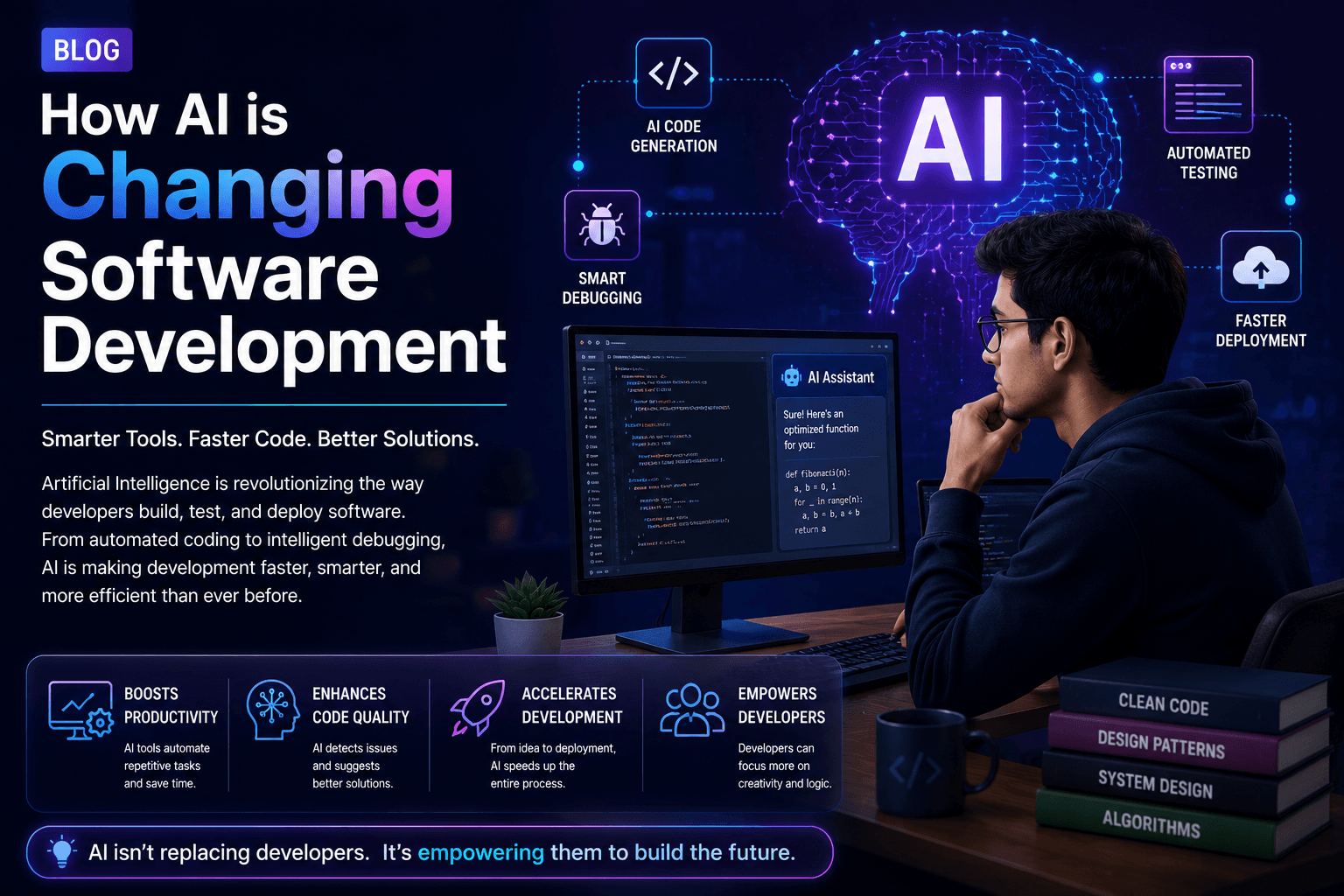
Imagine writing code that almost writes itself. That's the promise of AI in Software Development, a game-changing trend that's making programming faster, smarter, and more accessible than ever. Whether you're a student just starting out or a beginner curious about coding, understanding how AI is reshaping this field can give you a huge advantage. In this article, we'll explore the key ways AI is transforming software development, the tools you can use, and how you can start learning today. Let's dive in!
What is AI in Software Development?
AI in Software Development refers to the use of artificial intelligence technologies—like machine learning, natural language processing, and neural networks—to assist developers in writing, testing, and maintaining code. Instead of replacing programmers, AI acts as a powerful assistant that automates repetitive tasks, suggests improvements, and even catches bugs before they become problems. According to Wikipedia's article on AI in software engineering, this field has grown rapidly with the advent of large language models and code-synthesis tools.
Automated Code Generation
One of the most exciting applications of AI in Software Development is automated code generation. Tools like GitHub Copilot and Tabnine use AI to suggest entire functions or blocks of code as you type. For beginners, this means you can see how professional code is structured and learn by example. For example, you can type a comment like "function to calculate factorial" and the AI will generate the code for you. This not only speeds up development but also helps you understand best practices.
Intelligent Debugging and Error Detection
AI-powered debuggers can analyze your code in real-time and predict where errors might occur. Tools like DeepCode and CodeGuru use machine learning models trained on millions of codebases to spot vulnerabilities, logical errors, and performance issues. This is incredibly helpful for beginners who often struggle with debugging. Instead of spending hours searching for a missing semicolon, you can rely on AI to point you in the right direction.
Enhanced Code Review
Code review is a critical part of software development, but it can be time-consuming. AI tools can automatically review pull requests, check for style consistency, and even suggest improvements. For students working on group projects, this ensures that code quality remains high without requiring a senior developer to manually review everything. Tools like those taught in our courses often incorporate AI review features.
Natural Language Processing for Documentation
Writing documentation is often seen as a chore, but AI can help generate it from code comments or even from the code itself. Using natural language processing, AI can create clear, concise documentation that explains what each function does. This is a boon for beginners who need to understand complex codebases. Additionally, AI can translate technical jargon into plain English, making learning easier.
Personalized Learning and Tutoring
AI is not just changing how we write code—it's also changing how we learn it. Adaptive learning platforms use AI to tailor lessons to your skill level, providing exercises that target your weak points. For instance, if you're struggling with loops, the system will give you more loop-related problems. This personalized approach accelerates learning and keeps you engaged. Browse our courses to see examples of AI-driven learning paths.
Here are some must-know tools that leverage AI in Software Development:
- GitHub Copilot: An AI pair programmer that suggests code in real-time.
- Tabnine: AI code completion that learns your coding style.
- DeepCode: AI-powered code review and bug detection.
- ChatGPT: Can help explain concepts, generate code snippets, and debug.
- CodeGuru: Amazon's AI code reviewer and profiler.
Each of these tools has free tiers or trials, so you can experiment without any cost. Start with one that fits your current language—Copilot works well with Python, JavaScript, and many others.
How Beginners Can Get Started with AI-Enhanced Development
Ready to harness the power of AI in Software Development? Here's a step-by-step guide:
- Learn the basics of programming: AI tools are helpers, not replacements. You still need to understand logic, syntax, and problem-solving. Read more articles on our blog to get started.
- Choose an AI coding assistant: Install a tool like Tabnine or Copilot in your code editor (VS Code is a great choice).
- Practice with small projects: Build a simple calculator or to-do list app. Use the AI to suggest code and learn from its suggestions.
- Use AI for debugging: When you encounter an error, paste it into an AI tool like ChatGPT and ask for help understanding and fixing it.
- Join a community: Participate in forums like Stack Overflow or Reddit's r/learnprogramming. Share your experiences with AI tools.
"AI won't replace developers, but developers who use AI will replace those who don't." – A common saying in the tech world.
Challenges and Ethical Considerations
While AI in Software Development offers incredible benefits, it's not without challenges. AI-generated code may contain security vulnerabilities or be inefficient. Beginners should always review and understand the code produced by AI rather than blindly accepting it. Additionally, there are ethical concerns about copyright and ownership of AI-generated code. As a student, it's important to use AI as a learning tool, not a shortcut. Always strive to understand the 'why' behind the code.
Frequently Asked Questions
Will AI replace software developers?
No, AI is unlikely to replace developers entirely. Instead, it will automate routine tasks, allowing developers to focus on creative and complex problem-solving. For beginners, this means you'll have more tools to learn faster and build better software.
Do I need to know machine learning to use AI in development?
Not at all! Most AI coding tools are designed to be used without any ML knowledge. They work out of the box, and you can benefit from them even if you're just starting to code. However, understanding the basics of AI can help you use these tools more effectively.
What are the best resources to learn AI-assisted coding?
Start with free tutorials on platforms like freeCodeCamp or YouTube. Then, consider structured courses like those offered at GreyAcademy, which cover both programming fundamentals and AI tool usage. Browse all courses to find the right fit.
Conclusion
AI in Software Development is not a futuristic concept—it's happening now, and it's making coding more accessible and efficient for everyone. As a beginner or student, embracing these tools can accelerate your learning, help you write better code, and prepare you for the future of the industry. Remember, AI is your assistant, not your replacement. Use it wisely, keep learning, and soon you'll be building amazing things. Ready to start your journey? Explore our courses today and take the first step toward mastering AI-powered development.