a
Why the Right App Matters More Than the Right Textbook
Most Indian students juggle five or six subjects, coaching notes, WhatsApp forwards from classmates, and last-minute revision before exams — all without a system to hold it together. The good news: you don't need to spend a rupee. The apps below are genuinely free (not "free trial" free), work well on low-end Android phones, and cover both ends of the problem — taking notes while you study, and revising them efficiently before the exam.
Best Free Note-Taking Apps for Students
1. Google Keep
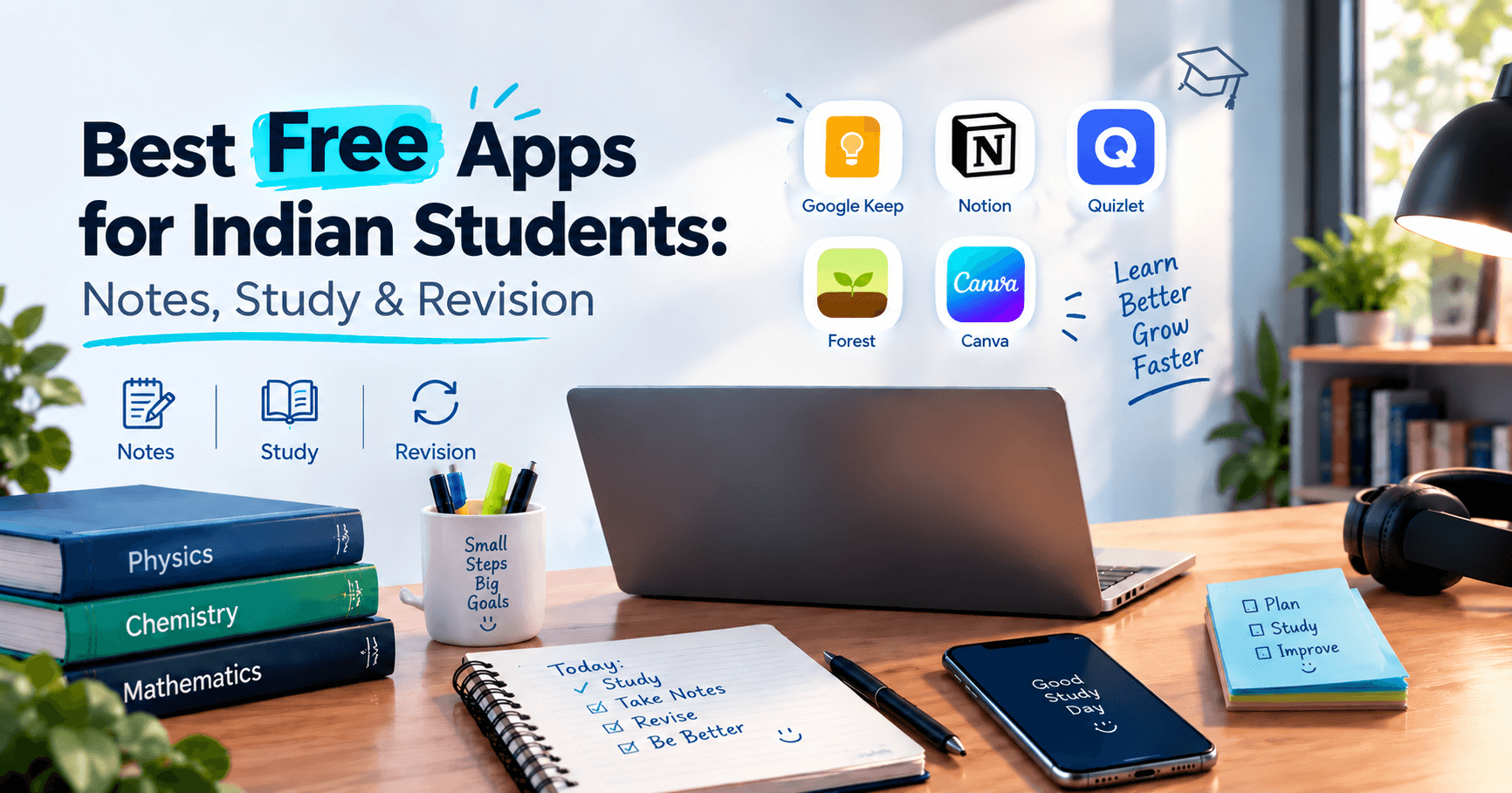
If you already use Gmail, Keep is the fastest way to start. It syncs instantly across your phone, tablet, and laptop, supports checklists, voice notes, and photo-to-text, and has zero learning curve. Best for quick class notes, to-do lists, and last-minute exam-day reminders.
2. Notion
Notion is a full workspace, not just a notes app — free for personal use, including students. Build a subject-wise notebook with linked pages, embed PDFs and images, and track assignment deadlines in the same place you take notes. Slightly steeper learning curve than Keep, but worth it once you have more than one subject to organise.
3. Microsoft OneNote
Free with a Microsoft account and works offline, which matters if your internet isn't always reliable. OneNote's notebook–section–page structure mirrors a physical notebook, making it the easiest transition for students moving from paper notes. Handwriting and stylus support is strong on budget tablets.
4. Evernote (Free Plan)
Evernote's free tier is more limited than it used to be, but it's still useful for students who want powerful search — including searching text inside scanned images of handwritten notes. Good for archiving reference material you won't touch often but need to find quickly.
5. Simplenote
No formatting, no clutter, no ads — just fast, synced plain-text notes. If Notion feels like overkill and Keep feels too visual, Simplenote is the minimalist option for students who just want to write and find things later.
Best Free Revision Apps for Exam Prep
1. Anki
Anki uses spaced repetition — it shows you a flashcard right before you're statistically about to forget it. This is one of the most research-backed revision techniques available, and Anki is completely free on Android and desktop (a small one-time fee only on iPhone). Ideal for subjects with heavy memorisation: biology, history, formulas, vocabulary.
2. Quizlet
Create your own flashcard sets or search millions made by other students for your exact textbook or chapter. The free plan covers flashcards, a matching game, and basic practice tests — enough for most exam revision without paying for Quizlet Plus.
3. Khan Academy
Completely free, no ads, no paywall — video lessons and practice exercises across maths, science, and more, with instant feedback on where you're going wrong. Especially strong for building concepts you missed in class before you try to memorise them.
4. Google Classroom
If your school or coaching institute uses it, Classroom keeps every assignment, deadline, and shared note in one feed instead of scattered across WhatsApp groups. Free for any student with a Google account.
5. Forest
Not a notes or flashcard app — a focus timer. You plant a virtual tree that grows while you study and dies if you leave the app to scroll Instagram. A simple trick, but genuinely effective during long revision sessions.
How to Actually Use These Together
- During class or self-study: take notes in Keep, Notion, or OneNote.
- Before revision starts: convert the important facts and formulas from those notes into Anki or Quizlet flashcards.
- In the final week before exams: drop the notes entirely and drill only the flashcards — that's where spaced repetition saves the most time.
- Throughout: use Forest or a similar timer to protect focused blocks instead of studying with constant phone notifications.
None of this requires a paid subscription. The apps above cover the entire loop — capture, organise, and revise — for free, which matters when you're a student on a tight budget.
Frequently Asked Questions
What is the best free note-taking app for students?
For most students, Google Keep is the easiest starting point because of instant sync and zero setup. Students managing multiple subjects or long-term projects usually outgrow it and move to Notion or OneNote.
Is there a truly free app for revision, or do they all require payment eventually?
Anki, Khan Academy, and Google Classroom are free with no forced upgrade. Quizlet's free plan is generous enough for most students; only its extra AI and test-generation features sit behind Quizlet Plus.
Which app is best for making notes for free on a laptop?
OneNote and Notion both have full desktop apps and browser versions, making them the strongest choices if most of your studying happens on a laptop rather than a phone.