Introduction
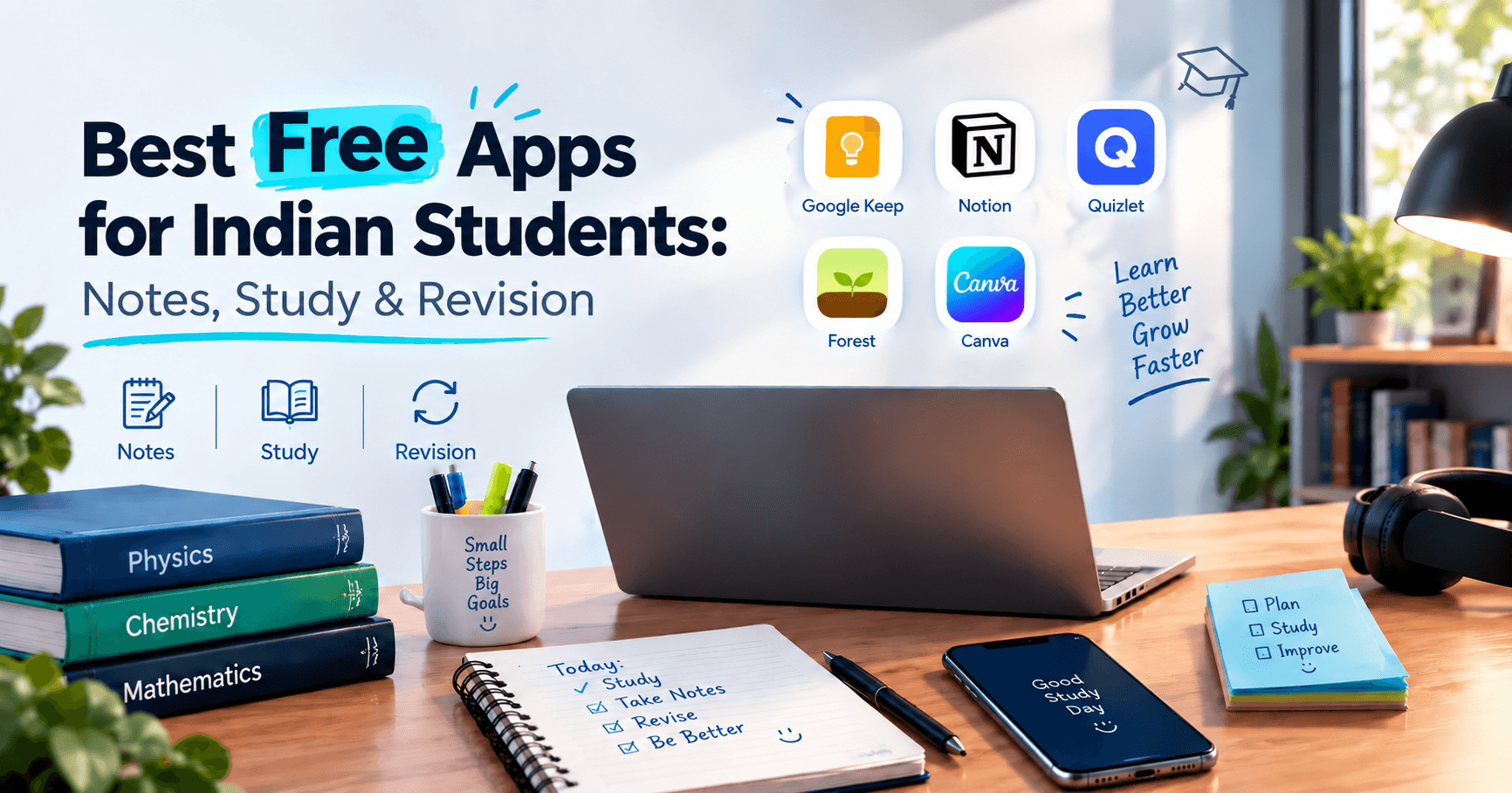
The Best Free Apps for Students can make studying easier, improve productivity, and help students manage their academic responsibilities without spending money. From organising classroom notes and managing assignments to preparing for examinations, the right applications can simplify everyday learning.
Many Indian students manage multiple subjects, coaching notes, online resources, WhatsApp study groups, and last-minute exam preparation. Without a proper system, important information can easily get lost.
Fortunately, several free study applications offer useful features for note-taking, organising information, creating flashcards, and revising important concepts. Whether you use an Android smartphone, laptop, or tablet, these tools can help you build a more organised learning routine.
In this guide, we'll explore some of the best free apps for students, explain their features, and show you how to combine them for effective studying and exam preparation.
Why Choosing the Right Study Apps Matters
Choosing suitable study applications can make a significant difference in how students manage their learning activities.
Instead of keeping notes in different notebooks, documents, and messaging applications, students can organise their study materials digitally.
Here are some important benefits:
Better organisation: Keep subject-wise notes and learning materials together.
Easy accessibility: Access study resources across supported devices.
Improved revision: Use flashcards and practice exercises to remember important concepts.
Time management: Organise assignments, deadlines, and study schedules.
Reduced paperwork: Store important notes digitally instead of carrying multiple notebooks.
The goal is not to download every available application. It is to choose a few useful tools that support your learning requirements.
Best Free Note-Taking Apps for Students
Good notes help students understand lessons, remember important information, and prepare for examinations. The following free note-taking apps offer different features depending on your study preferences.
1. Google Keep
Best for quick notes and reminders
Google Keep
Google Keep is a simple note-taking application that works well for students who want to capture information quickly.
You can create text notes, checklists, reminders, and voice notes. Its integration with Google services also makes it convenient for students who already use Gmail.
Key features:
Create quick notes and checklists.
Organise information using labels and colours.
Set reminders for important tasks.
Access notes across supported devices.
It is particularly useful for daily study reminders, assignment lists, and short classroom notes.
2. Notion
Best for organising multiple subjects
Notion
Notion is a flexible workspace that allows students to organise notes, assignments, projects, and study schedules in one place.
Students can create separate pages for different subjects, build revision trackers, and organise learning resources.
Key features:
Subject-wise digital notebooks.
Customisable study planners.
Assignment and project tracking.
Tables, databases, and document organisation.
Notion offers a free plan for individual use, although some advanced features and usage limits may vary.
3. Microsoft OneNote
Best for digital notebooks
Microsoft OneNote
Microsoft OneNote provides a notebook-style experience that feels familiar to students who prefer traditional handwritten notes.
Its notebook, section, and page structure makes it easier to organise information according to subjects and chapters.
Key features:
Create multiple digital notebooks.
Organise notes into sections and pages.
Add images, text, and drawings.
Support handwriting on compatible devices.
Access notes across supported platforms.
It is a useful option for students who want to replace physical notebooks with digital alternatives.
4. Evernote
Best for storing reference materials
Evernote
Evernote helps students collect and organise different types of information, including written notes, documents, and reference materials.
Its search capabilities make it convenient to locate previously saved information.
Key features:
Save notes and reference materials.
Organise information using notebooks and tags.
Search through saved content.
Store useful study resources.
Its free plan has limitations, so students should check the current plan details before choosing it for regular use.
5. Simplenote
Best for distraction-free writing
Simplenote
Simplenote is designed for students who prefer a clean and straightforward writing experience.
Unlike complex productivity workspaces, it focuses on creating, organising, and finding text-based notes.
Key features:
Simple text-based note creation.
Automatic synchronisation.
Tags for organising information.
Search functionality.
Minimal and easy-to-use interface.
It is a good choice for students who want to write and organise notes without unnecessary distractions.
Best Free Revision Apps for Exam Preparation
Taking notes is only one part of studying. Regular revision is equally important for understanding concepts and remembering information during examinations.
These revision apps can help students practise important topics and improve their preparation.
1. Anki
Best for memory-based revision
Anki
Anki uses spaced repetition to help students revise information at suitable intervals.
Students can create digital flashcards containing questions on one side and answers on the other. The application helps schedule reviews according to how well they remember the material.
Key features:
Customisable flashcards.
Spaced-repetition learning.
Subject-wise card organisation.
Support for different study materials.
Anki is free on desktop and Android. Its official iOS application is paid.
2. Quizlet
Best for interactive flashcards
Quizlet
Quizlet allows students to create flashcards and practise important concepts through interactive learning activities.
You can prepare your own study sets or explore existing resources created by other learners.
Key features:
Digital flashcard creation.
Vocabulary and definition practice.
Matching activities.
Different study and revision modes.
Its free features are useful for basic revision, while some advanced tools require a subscription.
3. Khan Academy
Best for understanding difficult concepts
Khan Academy
Khan Academy offers educational videos, practice exercises, and lessons across subjects such as mathematics, science, economics, and more.
Students can use it to understand difficult topics before revising them independently.
Key features:
Free educational lessons.
Topic-wise video explanations.
Practice exercises.
Progress tracking.
Learning resources across multiple subjects.
It is particularly helpful for students who want to strengthen their fundamentals.
4. Google Classroom
Best for managing academic work
Google Classroom
Google Classroom helps students access assignments, announcements, classroom materials, and shared learning resources.
It is especially useful when schools, colleges, or coaching institutes use Google's education tools.
Key features:
Access assignments and deadlines.
Receive classroom announcements.
View shared study materials.
Submit academic work.
Organise classroom activities.
Access depends on the classroom or institution's setup.
5. Forest
Best for maintaining study focus
Forest
Forest uses a visual focus-timer concept to encourage students to spend more time concentrating on their work.
When you start a focus session, a virtual tree begins growing. Leaving the session to use distracting applications can interrupt your progress.
Key features:
Focus timer.
Visual productivity tracking.
Customisable focus sessions.
Encouragement to reduce phone distractions.
Check platform availability and current free features before installing.
How to Combine Note-Taking and Revision Apps
Downloading multiple applications is not enough. Students should understand how to use these tools together to create a practical learning system.
Here is a simple approach:
Study activity | Recommended app |
|---|
Quick classroom notes | Google Keep |
Subject-wise organisation | Notion |
Digital notebooks | OneNote |
Flashcard revision | Anki |
Interactive practice | Quizlet |
Understanding concepts | Khan Academy |
Assignment management | Google Classroom |
Focus sessions | Forest |
A simple study workflow:
During classes, capture important information using Keep or OneNote.
Organise detailed notes according to subjects and chapters.
Convert important definitions, formulas, and concepts into flashcards.
Use Anki or Quizlet for regular revision.
Practise difficult topics using educational resources.
Use a focus timer to avoid unnecessary distractions.
This approach creates a complete learning routine without requiring students to purchase multiple premium subscriptions.
Tips for Choosing the Best Free Apps for Students
Not every application is suitable for every student. Your choice should depend on your subjects, learning preferences, available devices, and internet connectivity.
Consider these points before installing an application:
Check free features: Understand which features are genuinely available without payment.
Consider device compatibility: Choose applications that work smoothly on your smartphone or laptop.
Look for offline access: Offline functionality can be useful when internet connectivity is limited.
Avoid unnecessary applications: Too many apps can create additional distractions.
Check privacy settings: Understand how your personal notes and academic information are stored.
Choose simple interfaces: Applications should make studying easier, not more complicated.
A small collection of useful applications is usually better than downloading several tools without a clear purpose.
Frequently Asked Questions
What are the best free apps for students?
Google Keep, Microsoft OneNote, Notion, Anki, Quizlet, and Khan Academy are useful options for different learning activities. The best choice depends on whether you need note-taking, revision, or concept-based learning.
Which free app is best for making study notes?
Google Keep is useful for quick notes, while OneNote and Notion are better suited for organising detailed subject-wise study materials.
Are there free apps for exam preparation?
Yes. Anki, Khan Academy, and the free features of Quizlet offer useful tools for practising concepts, creating flashcards, and revising important topics.
Which app is best for students using low-end Android phones?
Google Keep and Simplenote are good starting points because of their relatively simple interfaces. However, actual performance depends on your device, Android version, and available storage.
Can students use multiple study apps together?
Yes. Students can use one application for note-taking, another for revision, and a focus timer for managing study sessions. The important thing is to maintain a simple and consistent workflow.
Conclusion
Finding the Best Free Apps for Students can make academic life more organised and manageable. From Google Keep and OneNote for taking notes to Anki and Quizlet for revision, each application offers different ways to improve the learning experience.
However, productivity does not depend on the number of applications you install. It depends on how effectively you use them.
Start with two or three applications that match your requirements, organise your study materials, and follow a regular revision schedule.
At GreyAcademy, we believe that better learning comes from the right resources, consistent practice, and a willingness to improve every day. Use technology wisely, make your study routine more effective, and keep moving towards your learning goals.